
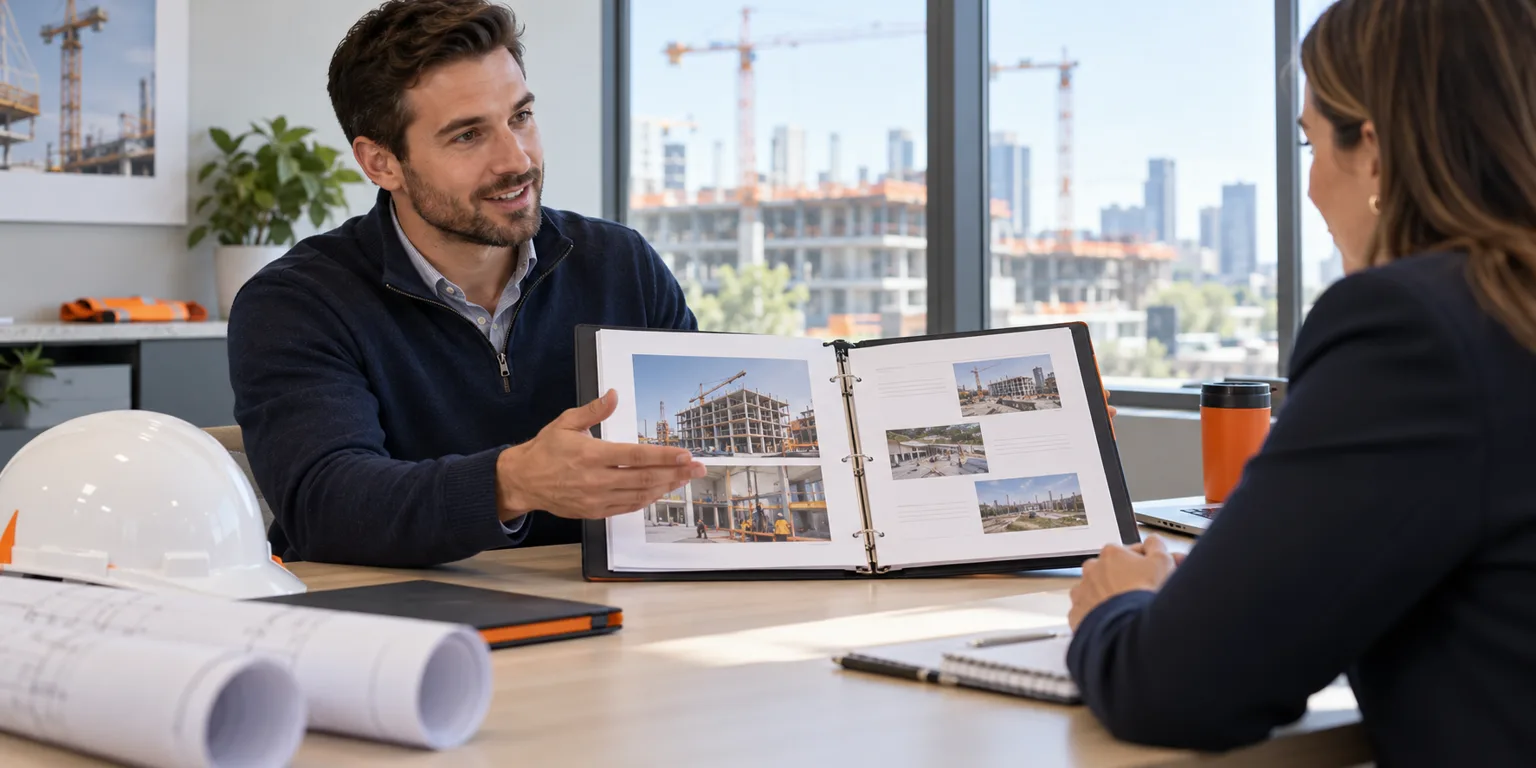
What is a construction project portfolio?
A construction project portfolio is a short collection of project examples that explains your experience and contribution. It can help a superintendent, project manager, estimator, project engineer, or trade professional make an interview discussion more specific. Instead of asking an interviewer to infer your responsibilities from a job title, you show the context and explain the work you personally performed.
A portfolio is optional unless an employer requests one. It supports your resume rather than replacing an application or proving every qualification. Start with a few relevant examples you can discuss clearly, and ask whether the interviewer would find a brief portfolio useful.
Choose projects that match the construction job
Select examples based on the employer’s work and the responsibilities in the posting. For a commercial superintendent role, a project showing trade coordination or occupied-building work may be useful. For an estimating position, an example describing scope review and quote comparison may be more relevant than a gallery of finished buildings.
Two or three well-explained examples are often enough to start the conversation. Include different challenges where that helps: a complicated handoff, a delivery constraint, or a documentation task you improved. Avoid adding unrelated projects solely to make the document longer.
Use a simple construction portfolio outline
Give each project a consistent structure so the interviewer can compare your experience easily. A single page per example is a practical starting point. Adjust the detail to your experience and the employer’s instructions.
- Project context: general location, building or infrastructure type, and a brief description of the scope.
- Your role: title, project phase, reporting relationship, and responsibilities you actually held.
- Challenge: the specific constraint or problem the team needed to address.
- Your contribution: the information you gathered, work you performed, and people you coordinated with.
- Outcome: what happened, with accurate figures only where you can share and explain them.
- Lesson: what you learned or would approach differently on the next assignment.
Explain responsibility more clearly than the project photograph
A photograph can show the setting, but it does not explain who planned the work or made a decision. Add a short caption describing your involvement. If a photo shows work completed by several trades, identify your contribution without claiming ownership of the whole result.
For example, an illustrative project summary might say: “Supported the superintendent during an occupied-office renovation by updating delivery records and logging access constraints before weekly trade meetings.” The same example could explain who approved sequence changes and how the team communicated them. Adapt the structure to real work you have performed.
Choose material you have permission to share
Use only material you are authorized to show. Project drawings, client names, site photographs, pricing, schedules, and internal reports may have sharing restrictions. Removing a logo or name does not automatically make a document suitable for an interview. Ask the appropriate owner when permission is unclear.
You can explain an experience without attaching the underlying project file. Write a general description that avoids restricted details, or create a clearly labeled hypothetical example to demonstrate how you organize information. Do not present a reconstructed document as an original record or imply that an illustrative example came from a real assignment.
Build a useful portfolio without years of experience
An early-career candidate can use relevant internships, coursework, apprenticeship activities, or previous work examples. Label the setting accurately and describe the supervision involved. A class planning exercise can demonstrate your thinking when it is clearly identified as coursework.
Explain the task, what you produced, and what you learned. A small example of measuring quantities, maintaining a tracker, or communicating an issue can be more useful than a large project image with no clear connection to your own work. Do not include credentials or technical responsibilities you have not earned or performed.
Practice a short interview walkthrough
Prepare to explain each example in a few minutes. Start with the project context, identify your responsibility, describe the action, and finish with the outcome or lesson. Pause so the interviewer can ask about the parts relevant to the opening.
Be ready to distinguish your decisions from approvals made by a supervisor, designer, owner, or project manager. If an outcome involved the whole team, say so. A useful portfolio helps you discuss your work accurately and answer follow-up questions rather than delivering a memorized presentation.
Make your construction portfolio easy to review
A short PDF is a practical sharing format when the employer accepts it. Keep text readable, use concise captions, and check that images display properly. Use a clear filename and verify the file opens before sending it. Bring or share it using the format the interviewer requests.
If you use an online portfolio, check its access settings and links. Share only the version intended for recruiting. Follow the employer’s application instructions, and do not require an interviewer to create an account just to review a few project examples.
Construction portfolio checklist before your next interview
Review the portfolio alongside your resume so dates, titles, and responsibilities agree. Then use the related career guides and job searches below to prepare for opportunities that match your background. Available listings change, and a search link does not guarantee a suitable opening.
- Each example is relevant to the job I am discussing.
- My role and the team’s work are clearly distinguished.
- I have permission to share every included document and image.
- Numbers and qualifications are accurate and explainable.
- Illustrative examples and coursework are clearly labeled.
- The file opens correctly, and I can explain each project concisely.